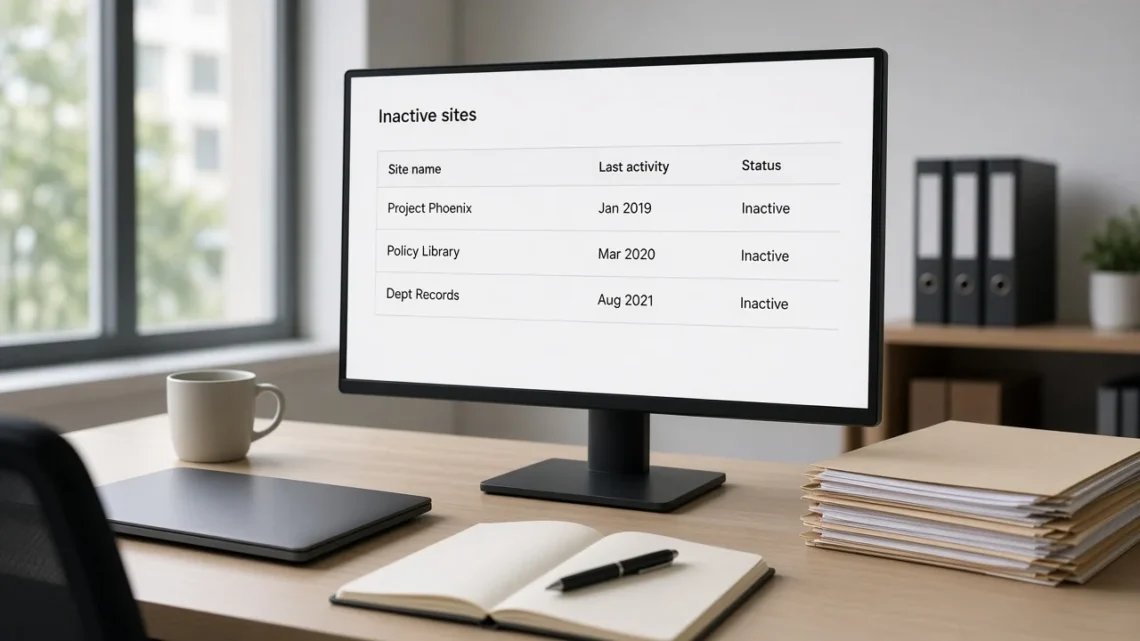
When people ask Microsoft Copilot a question, it can use the content they already have access to, including sites and files that have not been used in years. Restricted Access Control and Restricted Content Discovery can keep the wrong sites out of Copilot, but they do not stop Copilot from using stale content if the site is still in scope.
I believe stale content is a Copilot problem, not only a storage problem. SharePoint Advanced Management (SAM) gives you site-level and file-level options to mitigate the issue.
Site Lifecycle Policies
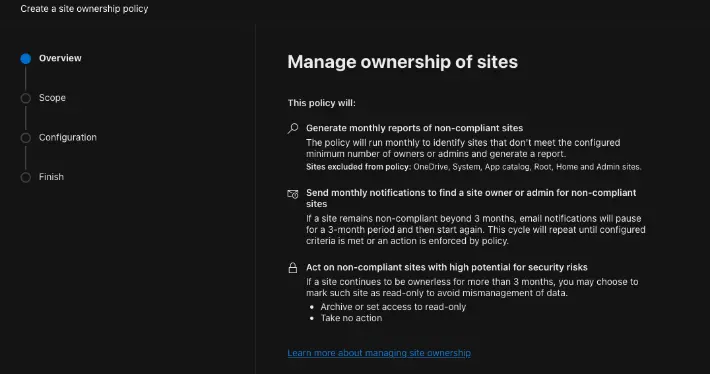
SharePoint Advanced Management includes policies for inactive sites and for site ownership, including ownerless sites. The inactive site policy looks at activity in SharePoint, Teams, Exchange, and Viva Engage, and can email owners or admins to certify that the site is still needed. If they do not respond after three monthly notifications, you can leave the site alone, set it to read-only, or keep it read-only for 3, 6, 9, or 12 months and then archive it with Microsoft 365 Archive. The site ownership policy sets a minimum number of owners or site admins. Read-only or archive enforcement applies only to sites with no owner.
To create either policy, go to the SharePoint admin center, expand Policies, and select Site lifecycle management. Open Inactive site policies or Site ownership policies and select Create policy. Start in simulation mode, review the report, then switch to active mode.
The SharePoint Admin Agent Lifecycle Skill
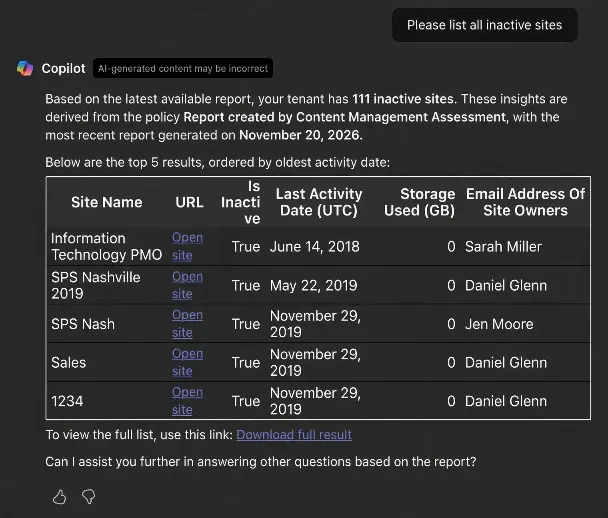
The SharePoint Admin Agent is generally available, and so is its Lifecycle skill. You can ask it to list inactive and ownerless sites, then decide which sites need a review or an archive.
Inactive Files and File-Level Archive
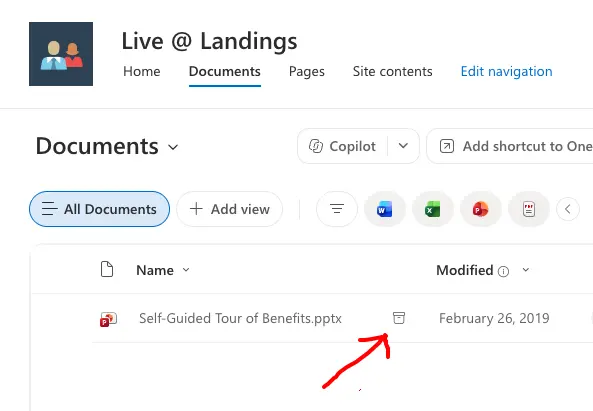
Archiving a whole site is the right move when the site is no longer in use. Many active sites still hold files nobody has opened in years, and those files can still be used in Microsoft Copilot answers.
File-level archive is generally available in Microsoft 365 Archive. A user with edit permission can archive a file, and a user with read permission can reactivate it in place. Files archived within the previous seven days can be reactivated immediately. After that, reactivation can take up to 24 hours. Archived content is not used by Microsoft Copilot, but end-user search is still supported. After a file is reactivated, it cannot be archived again for 120 days.
The new inactive files policy, now in public preview, can archive those files automatically. You set an inactivity threshold between 6 and 48 months, with a default of 24 months. The policy uses the last human access date, not access by an AI agent, an app, or a script. There are two caveats with that date. The recorded last access date can take up to 30 days to update, and human access from before July 2025 might be missing. Either one can make a file look inactive for longer than it actually was, so I would not act on the first report without reviewing it. In this preview, you configure it in PowerShell, and OneDrive sites are not supported currently while in Public Preview. Start in simulation mode, add a small set of sites, and review the report with site owners before you turn on archiving. Using the What-If policy mode will start the similation, not actual archiving.
New-SPOFileArchivePolicy -Name “InactiveFilesPreview” -PolicyType “SelectedSites” -LastAccessDateCriteria 24 -IsWhatIfMode $true
After you create the policy, add the pilot sites with Add-SPOSiteToFileArchivePolicy, then set the policy to Active.
Get-SPOFileArchivePolicy
Add-SPOSiteToFileArchivePolicy `
-PolicyId $policyId `
-Site “https://contoso.sharepoint.com/sites/PilotSite”
Finally, activate the policy (since IsWhatIfMode is still $true, activating starts the similation).
Set-SPOFileArchivePolicy `
-PolicyId $policyId `
-State Active
Licensing
SharePoint Advanced Management is included when at least one user in the tenant is assigned a Microsoft Copilot license. Otherwise, it is the SharePoint Advanced Management Plan 1 add-on. Microsoft 365 Archive is a separate pay-as-you-go service, and you need it for site and file archive. Turn it on before an inactive site policy tries to archive a site. You are billed for archive storage only if your total storage goes over your SharePoint quota. There is no fee to reactivate SharePoint content.
Final Thoughts
I believe the goal is to keep Microsoft Copilot answering from current content, not from a site or a file that has not been used in years. Restricted Content Discovery can hide a site for a while. An archive policy stops that stale content from being used in Copilot answers and keeps it available if someone needs to reactivate it.
Let me know what you think!
Learn more on Microsoft Learn:
