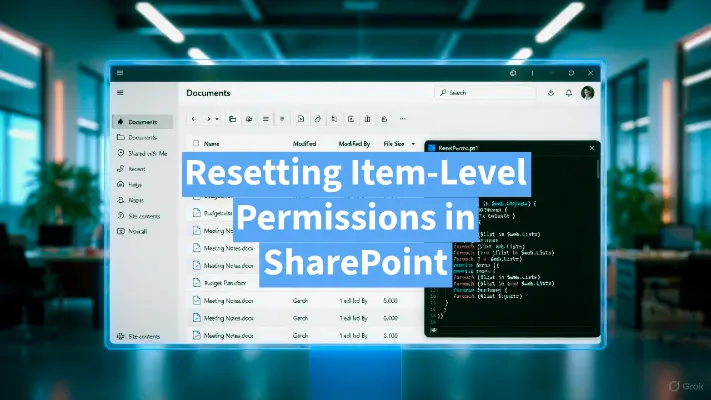
A clean, focused PowerShell tool that resets every file and folder in a document library to inherit permissions from the library itself. If you've ever managed a large SharePoint document library, you've probably run into the dreaded permission creep problem. Users share individual files or folders with "specific people," someone accidentally breaks inheritance on a folder, migrations bring over messy permissions, or years of organic sharing leave you with thousands of items that have unique role assignments.
-
-
List All SharePoint Site Files with PowerShell
Managing files across multiple SharePoint sites in Microsoft 365 can be challenging, especially when you need visibility into all files for compliance, auditing, or migration purposes. To simplify this process, I’ve created a PowerShell script that lists all files across your SharePoint sites. This post will explain what the script does, why it’s useful, and how you can deploy it.
-
Find SharePoint URL with Site ID
Many moons ago, I was asked by Microsoft to provide the site ID for a SharePoint site from my tenant. I had noted the site ID, but I did not make note of the URL of the site. So that left me with the question 'How do I find the SharePoint URL when I have the Site ID?' Read more to learn two ways to find it!
-
How to Increase Your OneDrive Storage Limit
As your user's storage needs grow, they may find themselves needing more than the default storage allotment. Via the OneDrive Admin Center, Microsoft provides a way to increase the storage quota for your Office 365 tenant. However this change does not apply to existing users in your Office 365 tenant. So you may be asking: how do I increase my storage limit on OneDrive in Office 365? Read on! How do I check my OneDrive quota? In the video below, I show how a user can check their storage quota, as well as how you can check your Office 365 tenant quota. What is the capacity of OneDrive? Office 365's…