Welcome back and to our first episode of 2022. Daniel and Darrell are ready to start a new year, helping you plan for change, preventing or fix issues and staying informed of updates. Microsoft Teams and connected SharePoint sites will soon be deployed using a combined template. Design team templates for recurring collaboration purposes and have both the team and the site deployed to suit the shape and size of your teamwork. Also, Stream videos in SharePoint and OneDrive will have their captions and transcriptions become editable. Fix up the mistakes and communicate the captions correctly with important video content.
-
Installing and Using the Microsoft Lists Desktop App
Microsoft Lists is a relatively new app within Microsoft 365 that allows for easy access to all your lists. These lists exist in your SharePoint sites, as well as within your own OneDrive for Business. Now we also have a Microsoft Lists desktop app that allows usage of lists offline and provides quick access. Here are my thoughts and instructions for you to install the app. I also created a video showing how to install and use the app that's embedded at the end of this post!
-
Minnesota M365 User Group Admin Workshop Day
This November 19th, I hope you will join me at the Microsoft 365 Admin Workshop Day presented by the Minnesota Microsoft 365 user group. The day will be filled with topics that are targeted toward all decision makers and implementers within organizations. I will be delivering the morning keynote as well as a session with fellow Microsoft MVP Shafina Hassam.
-
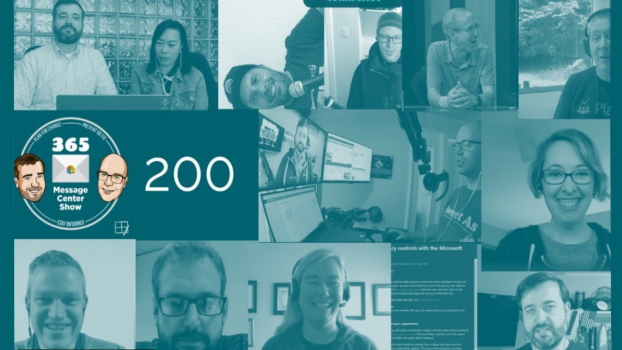
SharePoint, Teams, Outlook, M365… All the things – Our 200th episode
Daniel and Darrell celebrate 200 episodes of the 365MCS by sharing a few video messages from followers and supporters of the show and then... ...getting on with the mission, making you aware of this week's messages. Hey, that's what they do and there's always something changing in #Microsoft365.