Level your video with other attendees by pinning your own video in a Teams meeting. This will allow for everyone's video to have equal coverage by not covering up others with your video window.
-
Installing and Using the Microsoft Lists Desktop App
Microsoft Lists is a relatively new app within Microsoft 365 that allows for easy access to all your lists. These lists exist in your SharePoint sites, as well as within your own OneDrive for Business. Now we also have a Microsoft Lists desktop app that allows usage of lists offline and provides quick access. Here are my thoughts and instructions for you to install the app. I also created a video showing how to install and use the app that's embedded at the end of this post!
-
Microsoft Office Account Error Fix
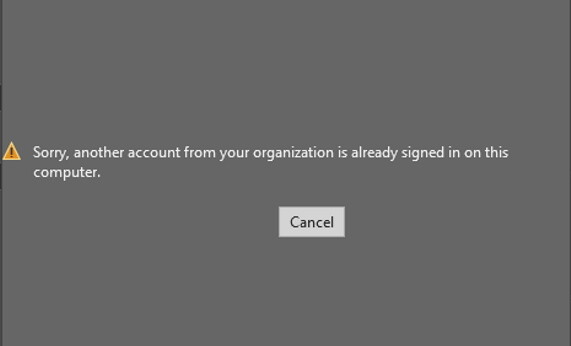
I recently ran into an issue when trying to open documents in Microsoft Office apps in Windows. My Office apps are licensed via a Microsoft 365 license and the documents I wanted to open were stored in OneDrive for Business. However, when I tried to open the document in the desktop app, I received an error: Sorry, another account from your organization is already signed in on this computer. I was able to fix the issue, but it did take a few minutes of troubleshooting to figure it out. Read below how to easily get this error removed. I also created a video showing the solution that's embedded at the…
-
Minnesota M365 User Group Admin Workshop Day
This November 19th, I hope you will join me at the Microsoft 365 Admin Workshop Day presented by the Minnesota Microsoft 365 user group. The day will be filled with topics that are targeted toward all decision makers and implementers within organizations. I will be delivering the morning keynote as well as a session with fellow Microsoft MVP Shafina Hassam.